How do I connect Slack?
The Slack integration lets the Velory assistant answer in Slack. Someone @mentions the Velory bot in a channel or thread, and the assistant replies there — running as that person, with their permissions.
Before you begin
- You need Admin access in Velory.
- You need permission to install apps in your Slack workspace.
Install the Slack app
- Go to Settings → Integrations.
- Click Explore marketplace.
- Open the Communication category, find Slack, and click Connect.
- Click Add to Slack.
- Approve the installation in Slack.
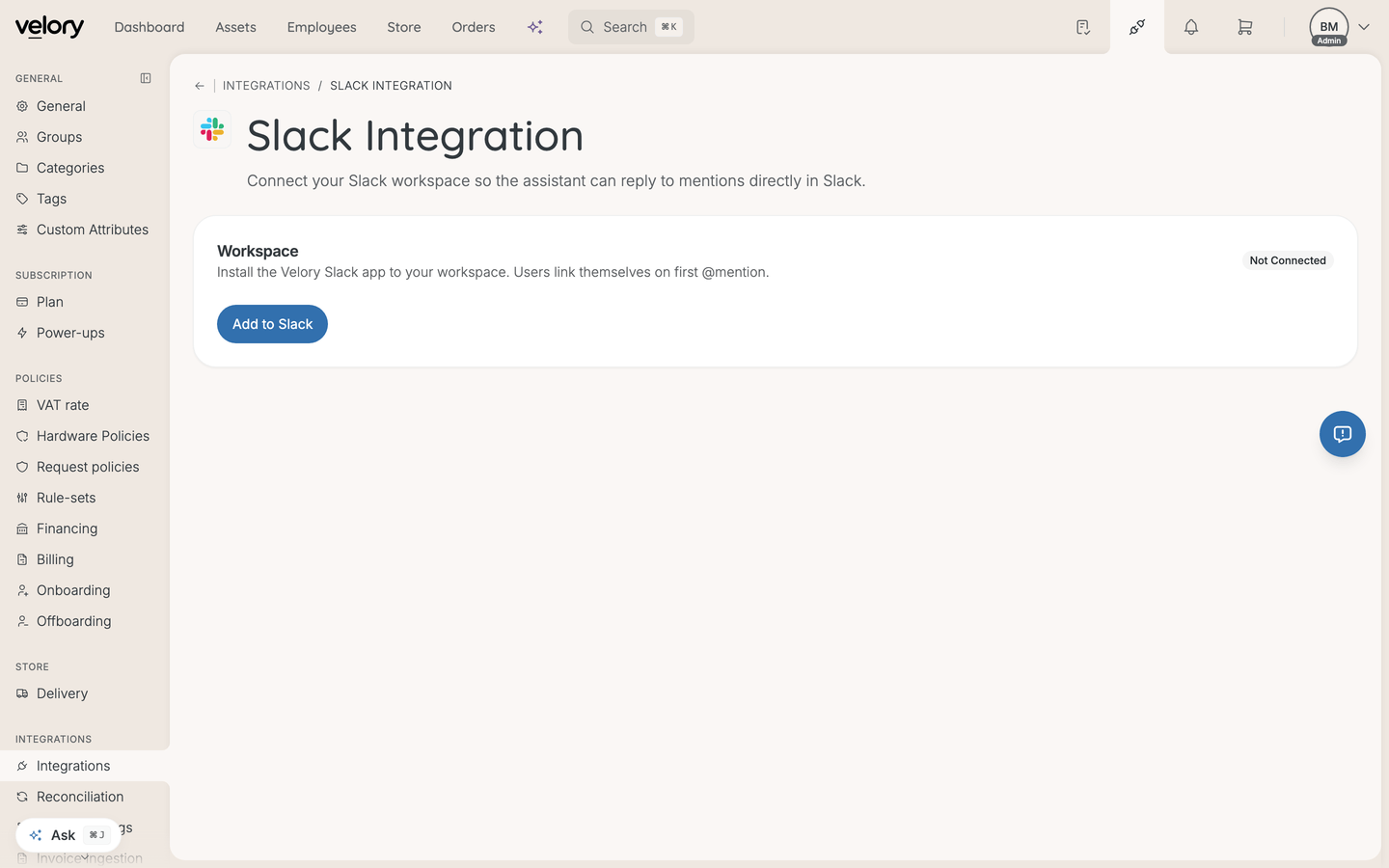
Once installed, the integration page shows the Connected Workspace and a Last Verified timestamp.
How users get linked
Users link themselves. The first time someone @mentions the Velory bot, they get a link back to Velory asking them to confirm that their Slack user belongs to their Velory account. They confirm once, then re-mention the bot in the original thread to continue.
You do not pre-provision anyone. The Slack User Links list on the integration page shows who is currently connected, and you can Revoke a link from there.
Those confirmation links expire after 15 minutes. If someone lets one sit, they mention the bot again and get a fresh one.
Good to know
Why does the assistant answer differently for different people?
Because it runs as the person who mentioned it. The assistant sees what that user is allowed to see, so two people asking the same question in the same channel can get different answers. That is deliberate — it keeps Slack from becoming a way around Velory's permissions.
Someone gets "Wrong company" when linking
They are signed in to a different company than the Slack workspace is connected to. They need to switch companies in Velory, or sign in with the matching account, then re-mention the bot.
Someone gets "Slack workspace not connected"
The workspace is no longer connected to Velory. Reinstall the integration from the Slack integration page.
What is "Manually add a link (advanced)" for?
Shared bots or service accounts that cannot go through the self-link flow. It asks for a Slack User ID and a Velory User. Ordinary users never need it — they link themselves on first mention.
What happens if I disconnect Slack?
All Velory ↔ Slack user links are removed and the bot stops responding to mentions. Users would each need to link again after a reinstall.
Was this article helpful?