How do I request hardware?
Select New request on your Overview page. You pick what you need from a catalogue, say where it should go, and confirm. The request then goes for approval.
The catalogue shows only what your company allows you to ask for, so if something is missing, it is not on offer for you — ask your IT admin.
Before you begin
You need an employee profile in Velory. New request is greyed out when there is nothing you are allowed to request.
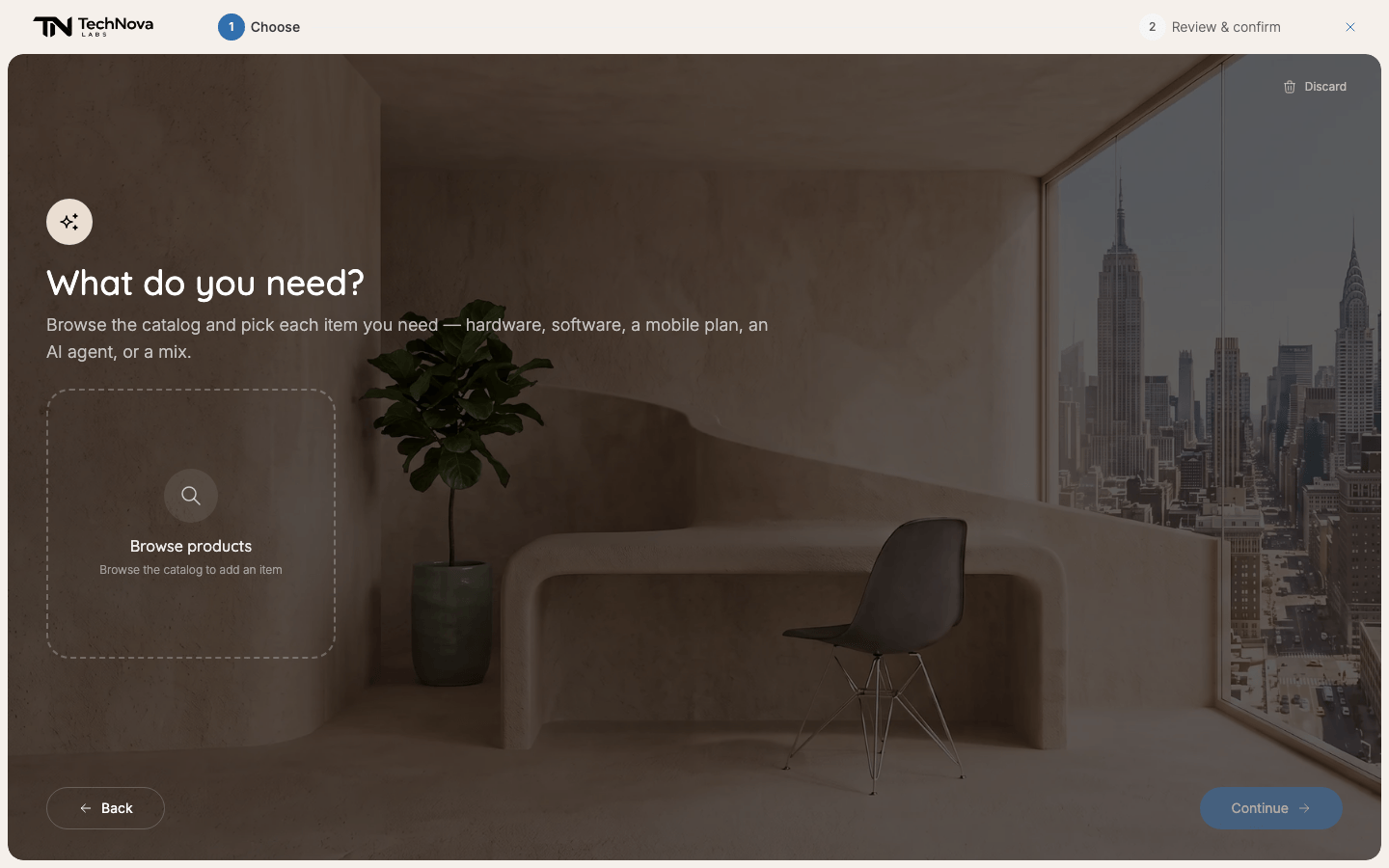
Make a request
- On your Overview, select New request.
- Under What do you need?, select Browse products. Filter, sort or pick a category, and add each item you need.
- Select Continue.
- On Review your request, check your picks. Edit picks takes you back.
- Fill in Why? if it is marked (required). When it is (optional), a sentence still helps whoever approves it.
- Under Delivery recipient, fill in Full name, Email and Phone. The phone number needs a country code, for example +46 70 000 00 00.
- Choose a Delivery address: one of your company's addresses, or your Home address if your company delivers to homes.
- Select Confirm request.
You land back on your Overview, where the request shows up with its status.
What you can pick
Hardware, and the software and AI agents your company lets you request, under Software & AI agents. Software you already have reads "You already have this".
Everything on offer is set by your company: which products, and how much each kind of item may cost. You cannot ask for something outside it. And a request is not a promise — each item goes to whoever approves it, and they can decline it.
These messages can stop a pick:
| Message | What it means |
|---|---|
| "You're at your Laptops allowance — an admin must approve an exception." | You already have as many of these as you are allowed. Talk to your IT admin. |
| "Your allowance lets you request 1 Laptops. Remove 1 pick in this category to continue." | You picked more of one kind of item than you may have. Remove the extra one. |
| "One of your Laptops is due for renewal — you'll choose what happens to it next." | You are replacing a device you already have. You are asked what should happen to the old one. |
Good to know
Who approves it?
Whoever your company's approval rules name for that kind of item — often your manager. The note on the review page says it goes to your admin, which is not always the case. Some items need no approval and are approved straight away. See Who approves a request?.
Does approval mean it has been ordered?
No. After approval, an IT admin decides whether to order a new one or hand you one from storage. You can follow each step on the request. See How do I follow, change or delete my request?.
Why is an accessory missing from my request?
Some products are set up with an accessory that always goes with them, such as a charger. A request carries exactly the products you picked, so that accessory is not on it, and it is not added automatically when the request is ordered either. If you need it, say so under Why? so the admin can add it.
Can I order for a colleague?
No. A request is always for you. Admins can order for other people in the Store.
Was this article helpful?