How do I report a problem with my device?
Report it in Velory and IT takes it from there: they review it, fix or replace the device, and tell you when to collect it. You follow each step from your Overview.
Report it
-
On your Overview, select Report Issue. Or open the device under Your assets and select Report a problem.
-
Choose the device. Devices already being repaired are not listed.
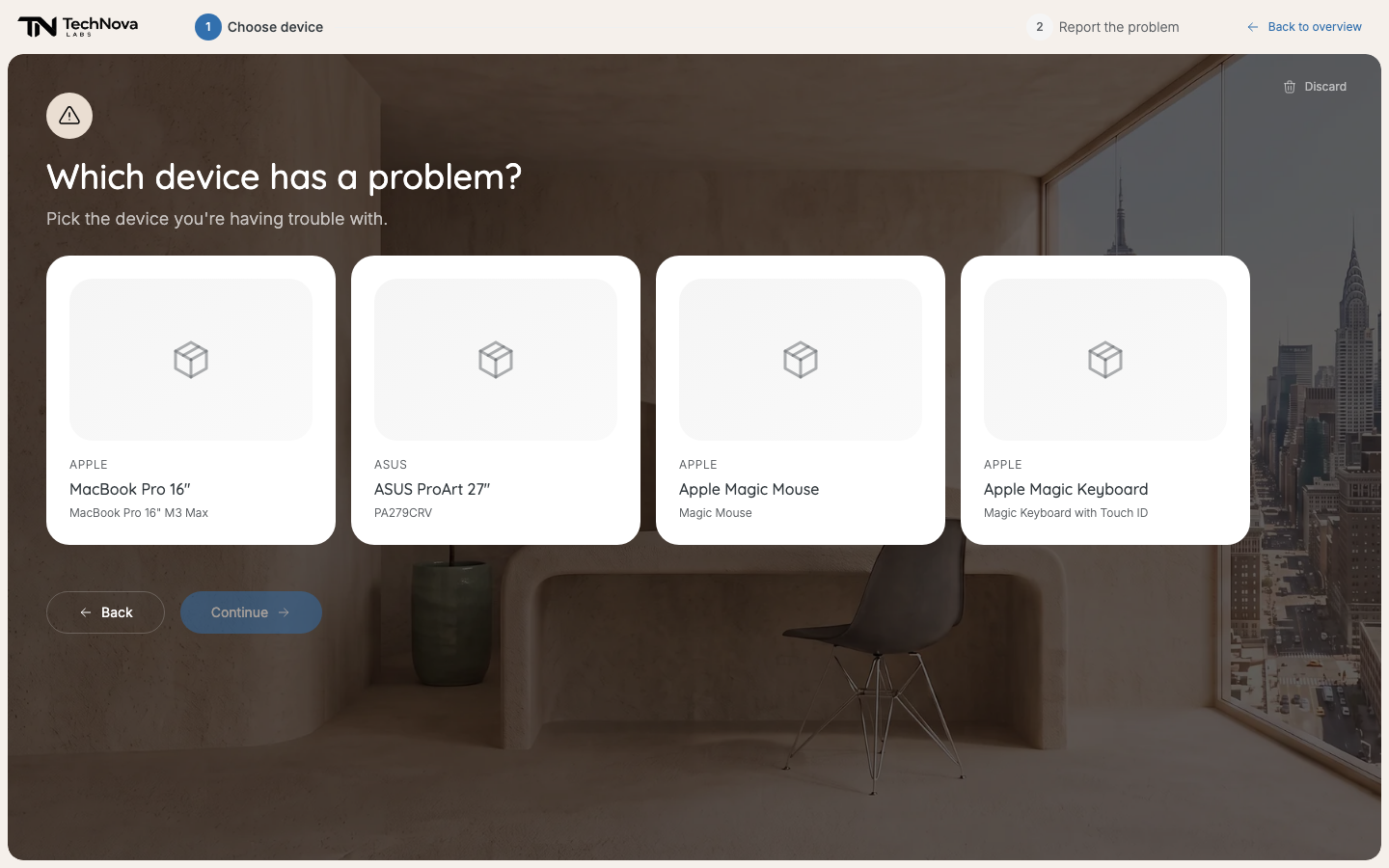
Every hardware device assigned to you, except those already in repair. -
Under What's wrong?, describe the problem — at least a few words.
-
Under How bad is it?, pick Works but degraded, Partially works or Not working.
-
Select Submit report.
Velory confirms with "Thanks — your report is in. IT will take it from here." The device shows In repair.
Follow the repair
Your report is under Ongoing tickets on your Overview, as "Repair — {device}". Open it to see where it is:
| Stage | Means |
|---|---|
| Report submitted | IT has your report. |
| In review | IT is looking at it. |
| Being fixed | IT is working on your device. |
| Return & pick up | Your device is repaired. Return any loaner and collect it. |
| Pick up your new device | You are getting a replacement instead. Collect it from IT. |
| Closed | The repair is done. |
IT may also decide no repair is needed, lend you a device in the meantime, or order you a new one. The ticket says which.
When your device is ready, your Overview shows "Pick up your repaired {device}" or "Collect your replacement for {device}".
Change or withdraw a report
Until IT starts on it, open the report and select Edit to change it, or Delete report to withdraw it. Withdrawing puts the device back to normal.
Good to know
I can't report a problem with software
Report a problem works for hardware only. For software, a phone plan or an AI tool, contact your IT admin.
My device isn't in the list
Only hardware assigned to you is listed, and not if it is already being repaired. If you have nothing assigned, Velory says "Nothing assigned to you". Ask IT if that is wrong.
I was given a loaner
It is marked Loaner under Your assets. Return it when you collect your own device.
Was this article helpful?