How do I sign in to Velory?
There are two ways in. Some emails from Velory carry a link that signs you in on its own. The rest of the time you sign in with your work email and a password, or through your company's single sign-on (SSO).
In this guide
Links that sign you in
These emails sign you in when you select their button. You need no password.
| Button | Takes you to | |
|---|---|---|
| "{inviter} invited you to join {company} on Velory" | Activate your account | Your setup as a new hire, or your Overview |
| "Offboarding: your last day is {date}", if your company sends it | Choose what to keep or return | Your offboarding page |
Each link works once, and only for a short time. A newer link replaces an older one, so use the latest email. A link that has been used or has expired shows "That sign-in link didn't work — it may have expired or already been used."
Some companies send the invitation so that it asks you to choose a password instead. Then the button opens a page titled Reset password: choose a password and select Update password.
Sign in with email and password
Use this whenever you come back to Velory without one of the links above.
-
On the Velory sign-in page, enter your work email and select Continue.
-
Enter your password and select Sign in.
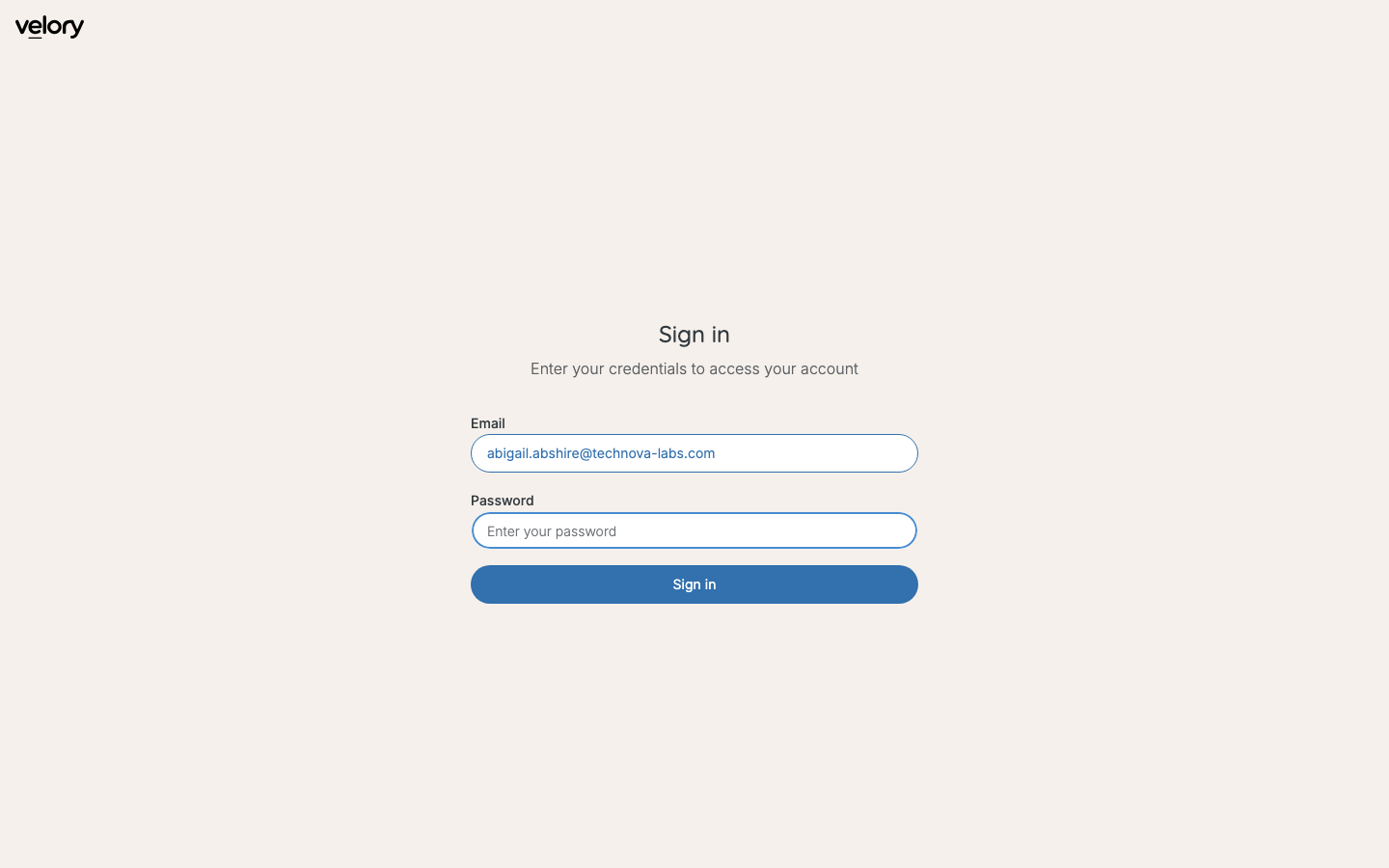
Velory asks for your email first, then shows how your company signs in.
If your company uses SSO, step 2 shows Sign in with SSO instead, or as well. It takes you to your company's sign-in, and you come back to Velory signed in.
Set a password for the first time
If you have only ever used links, you have no password yet. Set one yourself:
- On the sign-in page, select Forgot password?.
- Enter your work email and select Send reset link.
- Open the email "Reset your password" and select Reset password. The link lasts an hour.
- Choose a password of at least 8 characters, enter it twice, and select Update password.
You are signed in, and from now on you sign in with that password. To change it later, see How do I change my notifications, password or photo?.
Where you land
Velory opens what needs you first: your setup while you are a new hire, your offboarding page while you have devices to hand back, and your Overview otherwise.
Good to know
Which email do I use?
Your work email — the one your company has on your employee record. It is also the address Velory's emails go to.
"Your account is no longer active."
Your company has closed your account, usually after your last day. Contact your IT admin if that is a mistake.
"Your company requires SSO login."
Your company signs in only through SSO. Enter your email, select Continue, then Sign in with SSO. There is no password to set or reset.
"No Velory account found for this email."
You tried SSO, but your company has not added you to Velory yet. Ask your IT admin.
"Too many reset attempts."
Velory limits how often you can ask for a reset link. Wait a little and try again, and use the newest email.
I'm asked whether to continue with a link
You opened a link while signed in as someone else in the same browser. Continue signs you out and in as the person the link was sent to. Stay signed in keeps you as you are.
Was this article helpful?