How does directory syncing work?
A directory sync writes two things into Velory: the people, and the groups they belong to. They are separate actions, and the groups half is what makes a directory different from an HR system.
For HR systems, see How does HR syncing work?.
In this guide
Before you begin
You need Admin access and a connected directory. Go to Settings → Integrations and open it.
Users and groups sync separately
On the Sync activity tab there are two buttons, not one:
- Sync users — imports people within your chosen scope
- Sync groups — imports the directory's groups and their memberships
Run both after connecting. Running only one leaves you with people and no groups, or groups whose members Velory has never heard of.
Group sync is always available — there is no switch to enable it. What you choose is its scope, below.
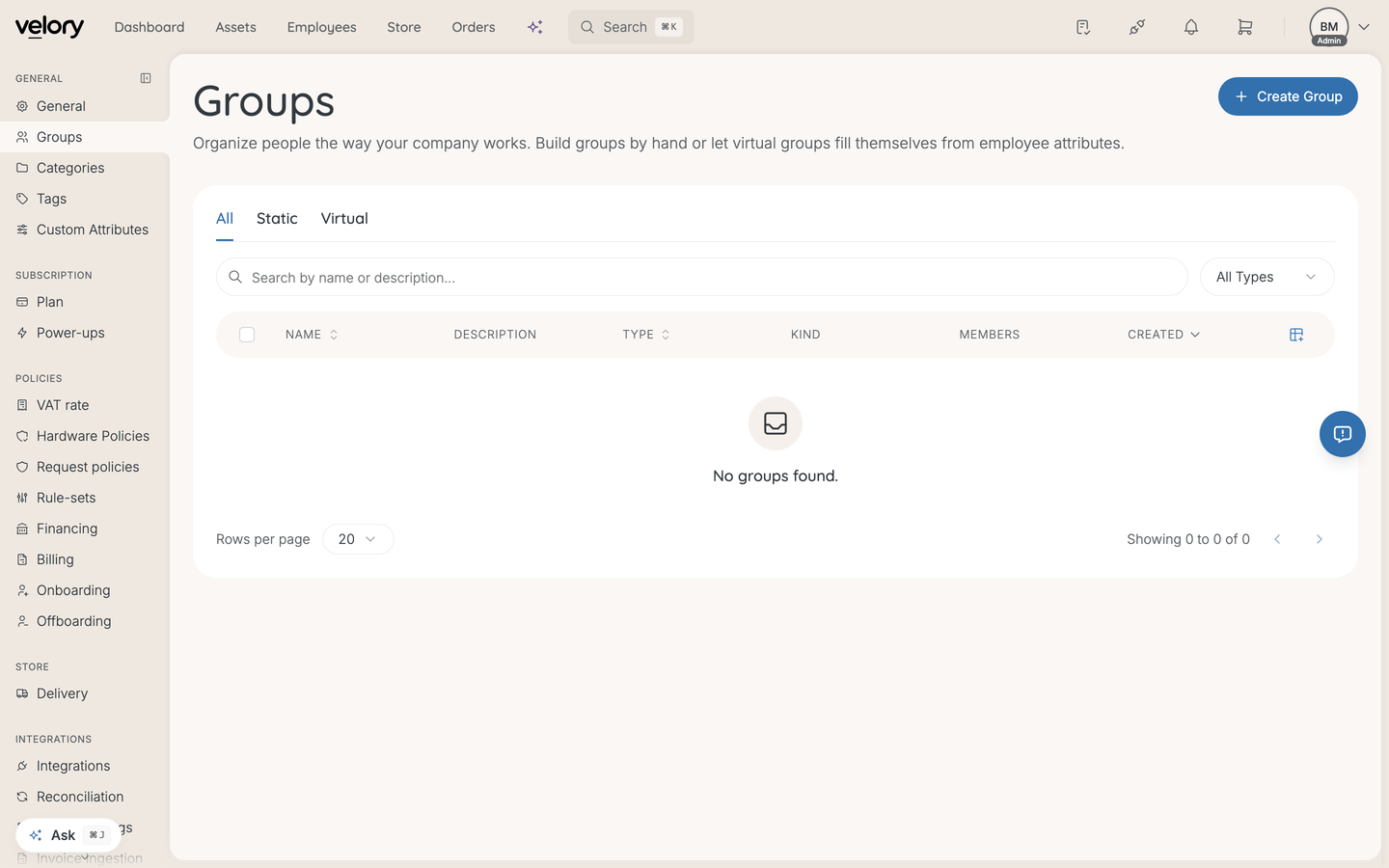
Synced groups land alongside any groups you created by hand, under Settings → Groups.
Real groups, not derived departments
This is the substantive difference from HR. An HR system has no groups, so Velory derives one per department from it. A directory has actual groups and syncs them as they are — which is why a directory sync reports groups where an HR sync reports departments.
It matters because groups usually describe access: who is on which team, which distribution list, which access group. An HR record does not carry that.
Scope controls people, not just groups
Sync Options on the integration decides what a sync is allowed to see:
- Domain — all domains, or only specific ones. Specific domains sync only users whose email is on them.
- Groups — all groups, or only specific ones.
The part worth repeating: choosing specific groups also limits which users sync, because only members of those groups are imported. If people are missing after a sync, check the group scope before anything else.
Scope cannot be changed mid-sync — it is locked until the run finishes.
When a sync runs
| Method | When it runs |
|---|---|
| First sync | When you trigger it after connecting |
| Webhook | Within seconds of a change in the directory |
| Recurring sync | Every hour, if you turn it on |
| Manual | Whenever you click Sync users or Sync groups |
Both directories support webhooks, so after the first sync you should not normally need to sync by hand.
Recurring sync is a switch on the Sync activity card, next to the manual sync button, and for a directory it is off by default — webhooks are fresher and cheaper than an hourly full sync. Turn it on if webhooks are not reaching Velory.
Field mappings
Field mappings control which of the directory's fields this integration fetches.
- On the integration page, find Field Mappings.
- Enable or disable individual fields.
- Save.
A field has to be enabled here before it can appear in the global Settings → Field Mappings view, which is where you decide who wins when a directory and an HR system both provide the same field.
For fields the directory does not carry — job title, cost centre, employee number — an HR system or a manual value is the source. A directory is thin on employment data by nature.
Field ownership
A field synced from the directory is owned by it: locked on the employee page with "Managed by [Source]", and editable again only if you stop syncing it or disconnect.
Good to know
A group sync said it stopped at the page limit. What happened?
A very large directory can exceed the limit for one run. When that happens Velory syncs the groups it reached and removes none — so nothing is lost, but the picture is incomplete. Narrow the group scope and sync again.
Why did fewer users import than I expected?
Almost always group scope. If Groups is set to specific groups, only members of those groups import, regardless of the domain setting.
Do synced groups do anything?
They behave like any other group on an employee record — filtering, and as conditions in workflows.
Service accounts came in as employees. How do I get rid of them?
Reconciliation. Find them in the employee queue, revert them to review, and skip them, and later syncs will leave them out. See How do I resolve reconciliation candidates?.
Was this article helpful?