How does ordering work in Velory?
Every purchase in Velory starts as a request and becomes an order only once it has been approved and an admin has confirmed it. That holds whether an employee asks for a laptop or an admin buys ten of them in the Store.
This article is the map. Each step links to the article that covers it.
Who uses what
| Who | Where they start | What they can do |
|---|---|---|
| Employees and managers | New request on their own Overview | Request hardware for themselves, follow it, confirm it arrived |
| Approvers | The link in their notification | Approve or decline the items they are asked about |
| Admins | Store and Orders in the navbar | Buy for anyone, set up the Store, confirm requests into orders, follow deliveries |
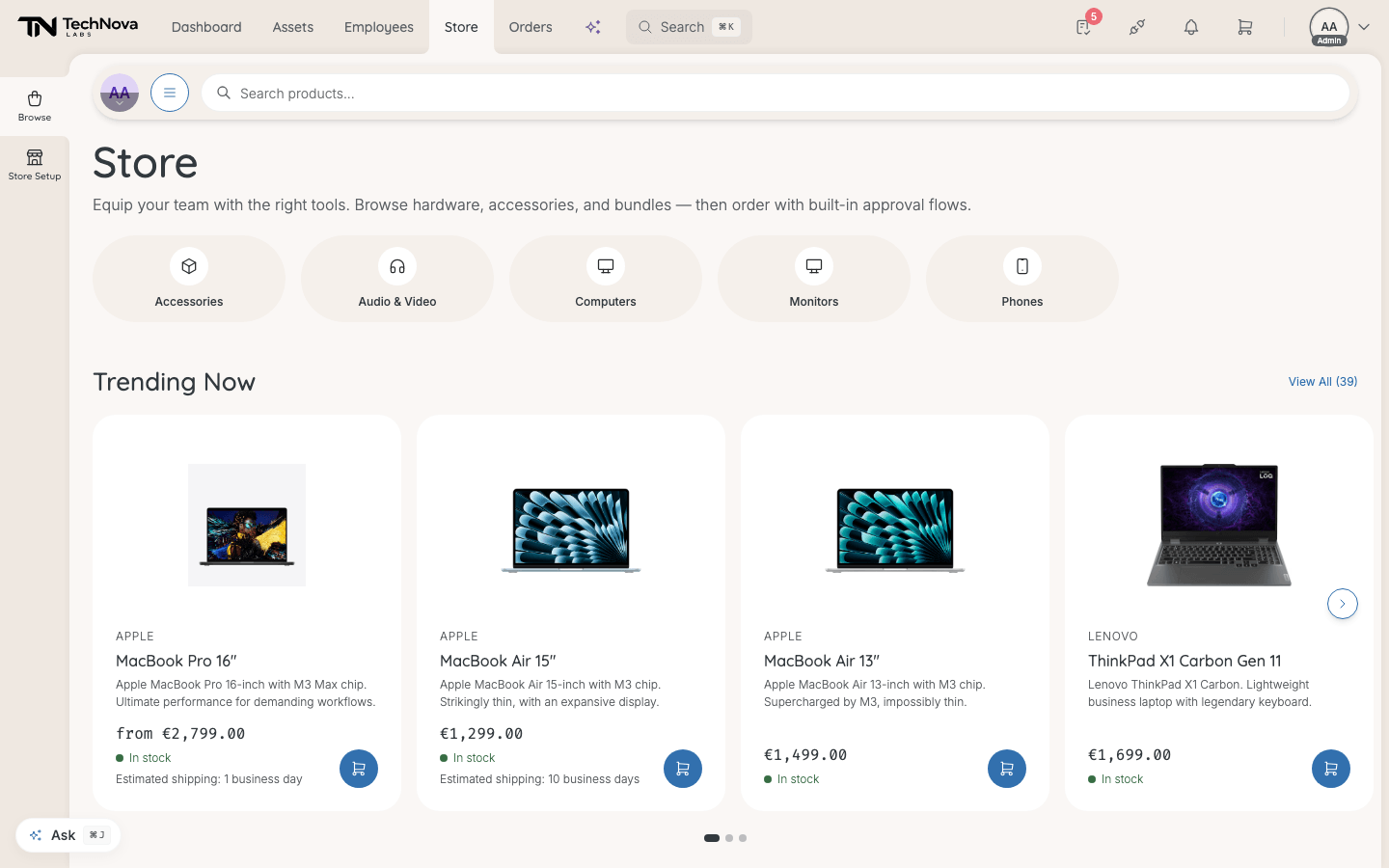
The Store is admin-only. It needs the admin tier — owner or admin — and the store:admin permission. Managers and employees never see it: the navbar item is hidden, and the address gives them a page-not-found. They ask for equipment through New request instead.
From request to delivery
- Someone asks. An employee picks products in New request, or an admin fills a cart in the Store and checks out. Both create a request. See How do I request hardware? and What happens when I check out?.
- Someone approves — per item. Each item finds its own approver from your approval rules. Some items need nobody and are approved on the spot. See Who approves a request?.
- An admin confirms. An approved request waits at Awaiting confirmation until an admin chooses, per item, to Order new or hand over a unit From storage, and selects Confirm & continue. This is the moment an order is placed. See How does an approved request become an order?.
- The retailer delivers. The order goes to the retailer that supplies the product, and its status follows the shipment. See How do I track orders?.
- Someone confirms it arrived. Retailers report when they ship, never when a parcel is opened. The person who received it marks it received, and the device becomes theirs in Assets. See How are deliveries received and turned into assets?.
What decides what can be ordered
Three things, set up in different places:
- What exists — the products your company has imported and published. See What is Store Setup?.
- Who may ask for what — set per person on their entitlement. See How do entitlements decide what people get?.
- Who must agree — approval rules. See How do I set up approval rules?.
Good to know
Why does an admin's own purchase go through approval?
Because a checkout is a request too. If no approval rule covers it, an admin's checkout is approved automatically — but it still waits for Confirm & continue before anything is bought.
Can an employee browse the Store?
No. They browse a catalogue inside New request, which shows only what they are allowed to ask for.
Where do I see everything that is waiting?
Requests: Assets → Overview, Requests tab. Orders: Orders in the navbar.
Was this article helpful?