What can I set on an entitlement category?
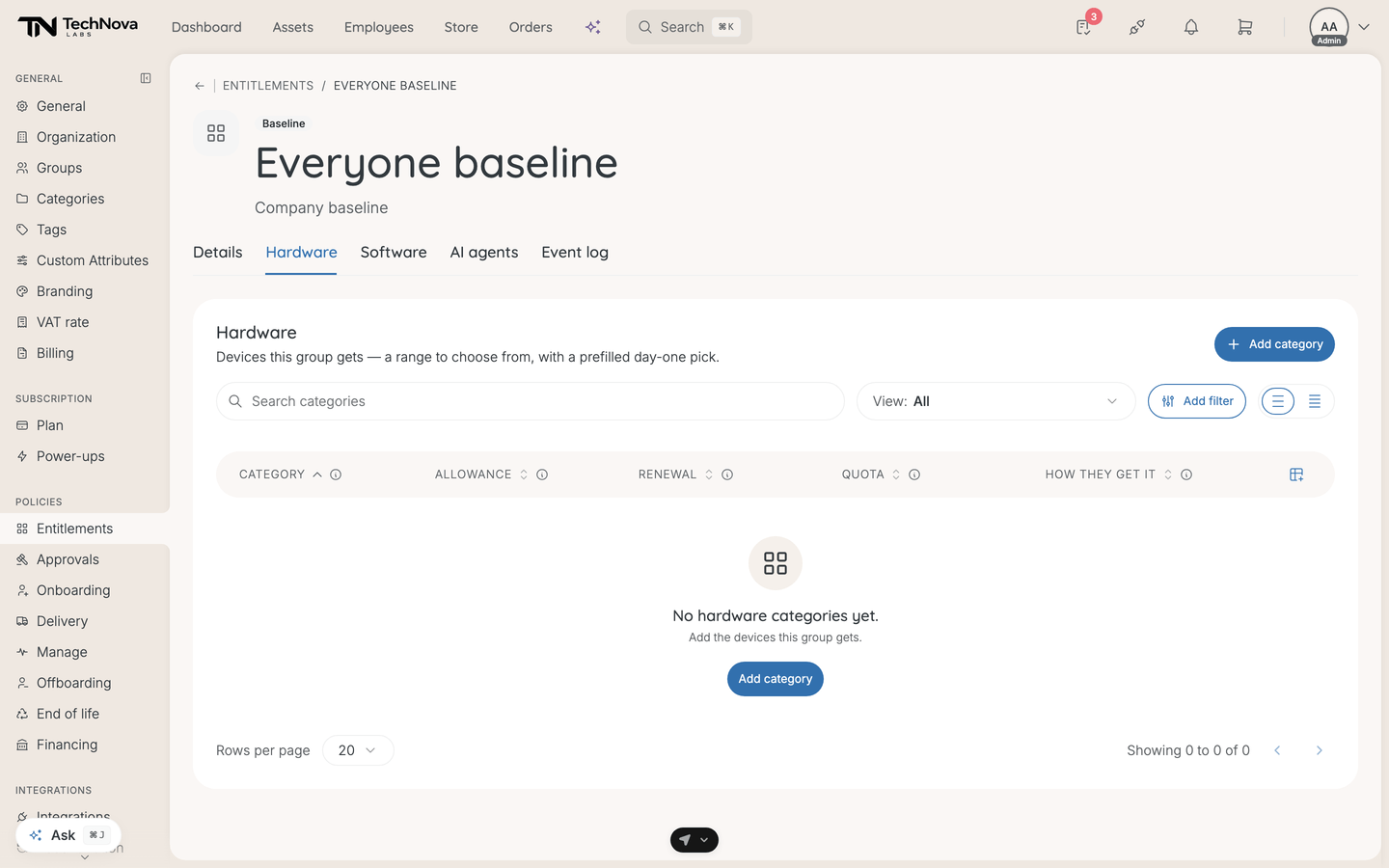
A category is one line of an entitlement — "Laptops", "Monitors", "Phones" — and it is where the actual terms live. How they choose, how much they may spend, how often they may renew, and what lands in their cart on day one.
Add one from the asset-type tab on an entitlement, pick the store category, and the rest opens once it exists.
In this guide
Before you begin
You need Admin access. Hardware categories draw on your store, so the products have to exist before a category can point at them. A collection category also needs a published collection — see How do collections work?.
How they get it
The first decision, and it changes what the rest of the form asks for:
| Mode | What the employee does |
|---|---|
| From a collection | Picks from a curated set you have assembled |
| All under the budget | Picks anything in this store category that fits the allowance |
| One fixed item | Gets exactly the product you choose. No choice |
From a collection is the middle ground and usually the useful one — a shortlist of laptops you are happy to support, rather than the whole catalogue or a single model.
Conditions
Conditions are limits, and everything you leave off stays open. A category with no conditions is fully open: any item, any price, any number. The editor says so rather than implying a hidden default.
| Condition | What it limits |
|---|---|
| Allowance | The most an employee can spend each contract period. Under All under the budget it also caps the price of any single item |
| Renewal | How long they keep an item before it can be renewed, in months. Leave it off and they keep it indefinitely |
| Quota | How many they can have at once |
Renewal takes a whole number of months from 1 to 120. Contract length is set company-wide on the baseline, not per exception.
Allow early replacement decides whether someone can ask for a replacement before the contract is up — a laptop that has become too slow to work on. On, they can request a renewal at any time; off, they wait.
Sourcing
Where the item comes from. A collection category asks which published collection; a fixed item category asks for the one product everyone gets.
If no collection is published yet, the picker says so and points you at Collections rather than leaving you with an empty dropdown.
Onboarding
What the category does on the employee's first day.
Prefilled asset for onboarding is optional, and it is the day-one default: the item dropped into the new hire's cart automatically. It is limited to what fits the allowance, so you cannot prefill something the budget would refuse.
Required in onboarding decides whether the hire may skip the category. On, they must pick something here before they can finish; off, they can move past it. A fixed item is always required — there is nothing to decide, so there is nothing to skip.
One constraint worth knowing: when sourcing is set to a fixed item, onboarding can only offer that same item. You can add it or leave it out, but you cannot prefill something different.
End of assignment
What happens to a device in this category when the employee hands it back at offboarding.
| Option | What it means |
|---|---|
| Return | It comes back to the company |
| Keep | The employee keeps it |
Lock this choice decides whether that is binding. On, the action is enforced and the employee cannot change it. Off, it is a suggested default they may override at renewal or offboarding.
Buy out is defined as a third option but is not offered — it is filtered out of the picker while the depreciated-value price calculator is outstanding, so quoting a buy-out would quote the wrong number.
On an exception, this has its own Override baseline switch, separate from the one below: leave it off and the exception inherits the baseline's end-of-assignment rule.
Overriding the baseline
On an exception, each category can either stack on the baseline or replace it. Override baseline is the switch, and the description is the whole of it: replace the baseline for this category instead of adding to it.
Use override when the exception is a different answer to the same question — a design team on a larger laptop allowance. Leave it off when the exception is genuinely additional.
Good to know
What does a category with no conditions do?
Everything in it, at any price, in any quantity. That is a real configuration and occasionally the right one, but it is rarely what someone means to leave behind.
Why can I not prefill the item I want?
Either it does not fit the allowance, or sourcing is set to a fixed item and the prefill is locked to that product. The picker tells you which.
Where does Renewal come from?
The company contract policy for that category. It shows on the category row so you can see the term without opening it.
Can I set an allowance per month?
The field switches to Allowance / month for categories billed monthly — software and mobile — and stays a per-period figure for hardware.
What happens to an employee no category covers?
Nothing is offered to them in that category, and the Apply budgets to wallets dialog counts them as not covered. Check that number; it is how you find the people your setup forgot.
Was this article helpful?